Orders & table bills
Take dine-in, takeaway, delivery and counter orders. Keep tables and open bills organised, with additional rounds for guests who stay a little longer.
From the first order to the final bill. Bring your tables, takeaway orders, kitchen, payments and ingredient stock together with InfoRest, built for restaurants and food vendors.
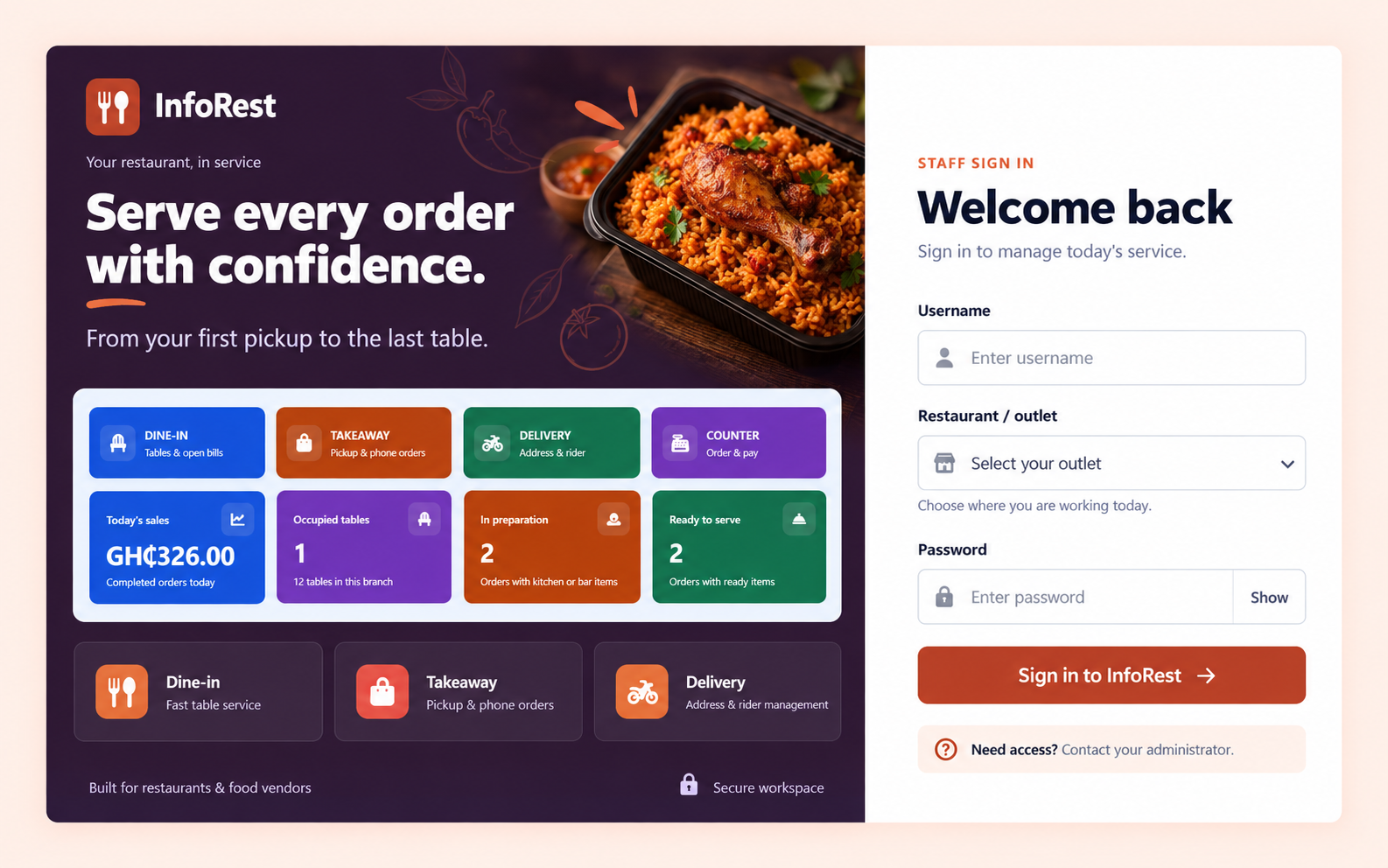
InfoRest connects what your team sells, what the kitchen prepares and what remains in stock. Give each part of the restaurant a clear place to work.
Take dine-in, takeaway, delivery and counter orders. Keep tables and open bills organised, with additional rounds for guests who stay a little longer.
Send orders to the kitchen or bar and follow preparation through to ready-to-serve status, so service staff can see what comes next.
Organise menu categories, recipes and ingredient quantities. Track the stock used when food goes into preparation and record stock adjustments.
Record payments, accept split tenders and produce restaurant receipts. Review configured payment options with your team during setup.
Review sales by date, outlet, cashier and item. Follow payment activity, stock movements and restaurant financial reports from the management workspace.
Give managers, cashiers, waiters, kitchen staff and bar staff workspaces that fit their duties, with access governed by their roles and outlets.
Whether a guest sits down, orders at the counter or calls for pickup, your team works through a connected restaurant order.
Choose the service mode, add menu items and associate the order with the right table or customer details.
Send items for preparation, follow kitchen and bar tickets, and track the ingredients used.
Confirm payment, issue the receipt and review the completed sale in your restaurant reports.
Let customers browse your menu and request food online. Bring those orders into the staff workflow for review, preparation and fulfilment.
Watch the product overview, then talk with System Coders about the way your restaurant works.
Product overview: InfoRest brings together four service modes, table bills, kitchen and bar tickets, recipes and ingredient stock, payments, receipts and restaurant reports. Online ordering connects the customer menu with staff review and fulfilment. Request a guided demonstration for your team's workflow.
InfoRest is restaurant and food vendor management software from System Coders in Kumasi, Ghana. It supports restaurants and food businesses serving dine-in guests, takeaway customers, deliveries and counter orders.
Yes. InfoRest includes kitchen and bar tickets, menu categories, recipes and ingredient stock tracking. Ingredients are consumed when an order is sent for preparation, so preparation and stock remain connected.
Yes. The restaurant storefront lets customers browse the menu and place order requests. Staff review incoming orders and handle preparation, payment confirmation, pickup or delivery through the restaurant workflow.
InfoRest focuses on restaurant workflows such as tables, kitchen tickets and recipes. InfoBusiness POS & Inventory focuses on retail sales, products, stock and business management. System Coders can help you choose the right product for your operations.
Contact System Coders for an InfoRest demo. Tell us about your restaurant, outlets, staff, ordering needs and existing equipment so we can discuss a suitable setup and quotation.
Yes. System Coders also provides custom software development in Ghana. Share the workflow you need, and the team can assess whether InfoRest, InfoBusiness or a custom solution fits.
Tell us how your restaurant takes orders today. We will help you explore an InfoRest setup for your team.